
Overview
When testing or submitting production proposals System-to-System via Grants.gov, there is often a need to download the fillable PDF form to see the requirements or to extract other forms (i.e. for the RR Subaward Budget form). You may also need to download a form to complete and upload it as a User Attached Form in Kuali Research. Below outlines the steps to find all form versions of Grants.gov forms on their website and download the desired fillable PDF format.
Finding Forms on Grants.gov
Within the Grants.gov website there is a Forms panel that gives you access to all the formsets and the XML, PDF, DAT files, etc. for the given forms. These are the steps to find the downloadable fillable PDF version of each form (including prior form versions).
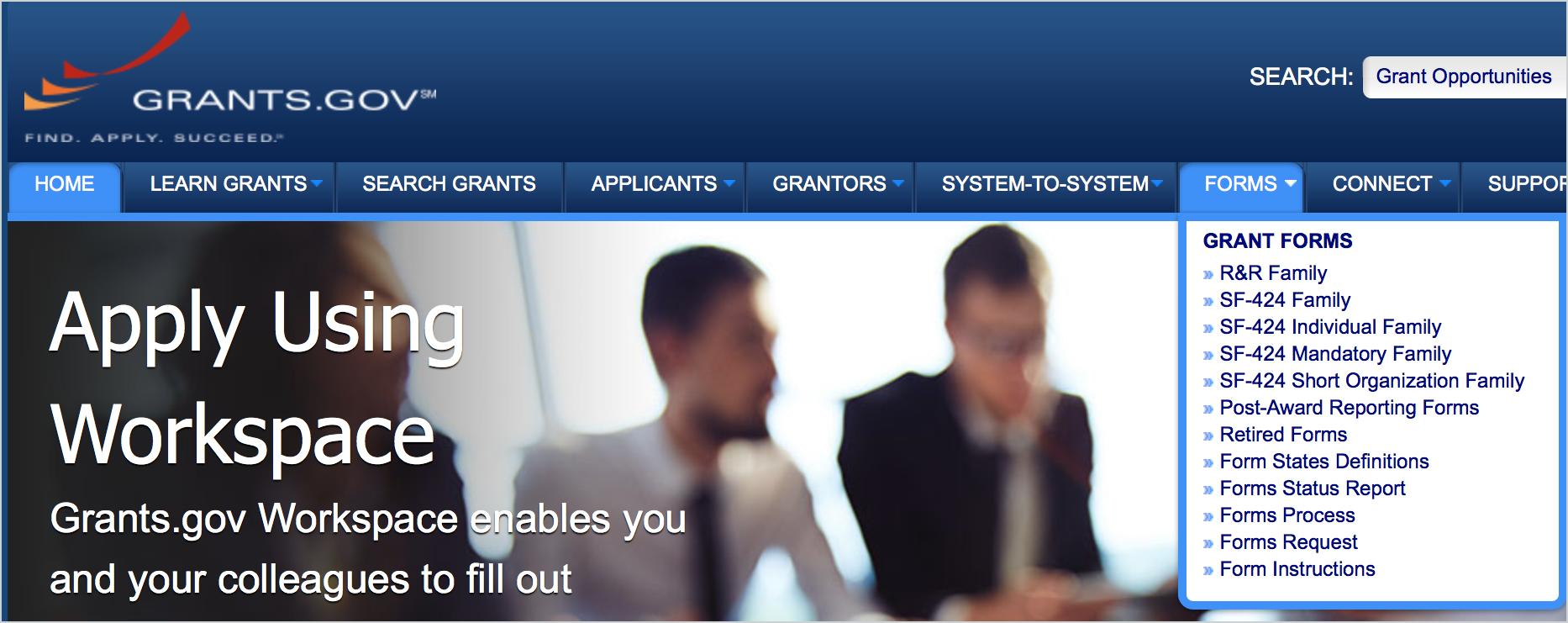
- Navigate to Grants.gov > Form tab:
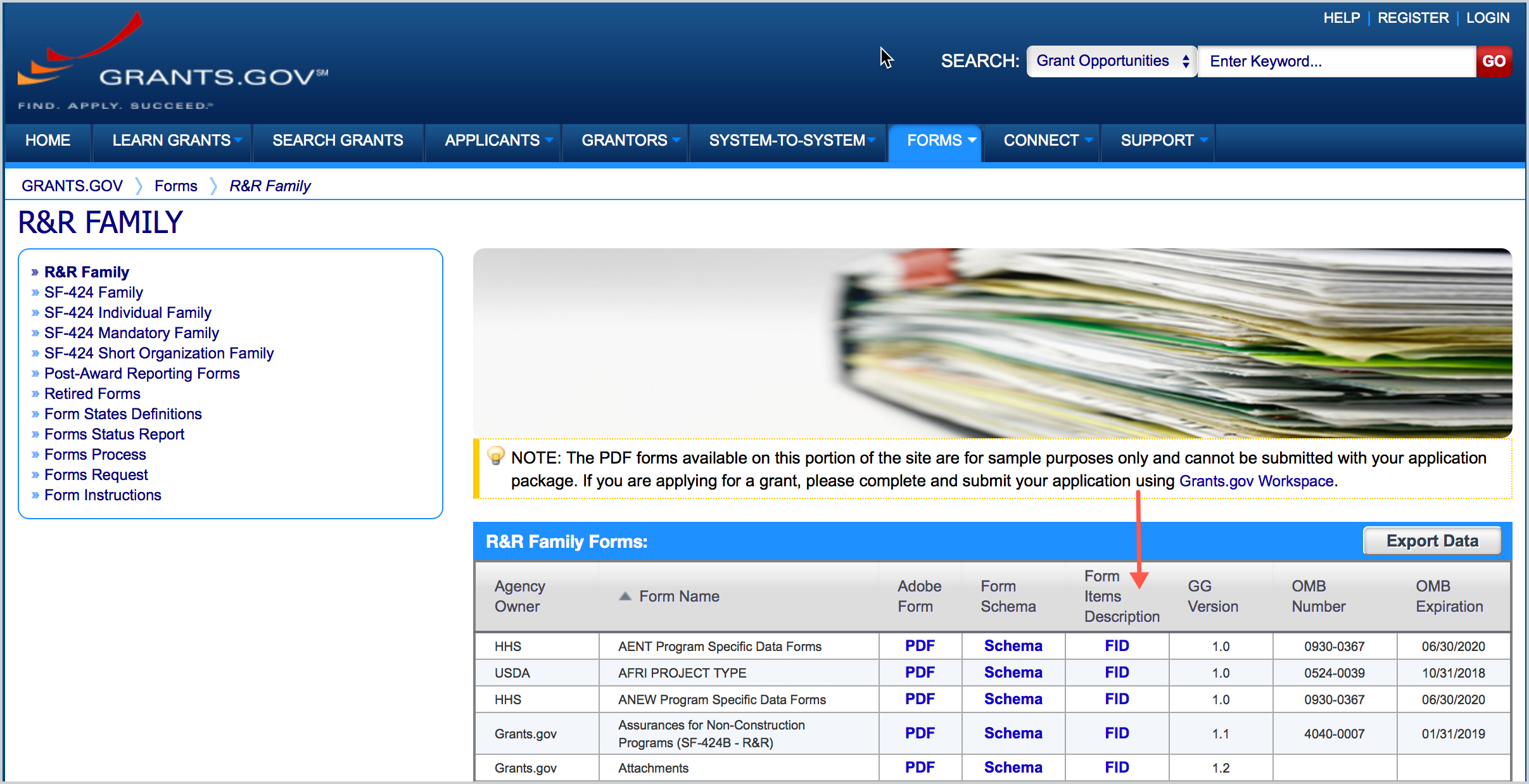
- Identify the Form you want (you will see the latest form version listed) - click the FID link for that form:
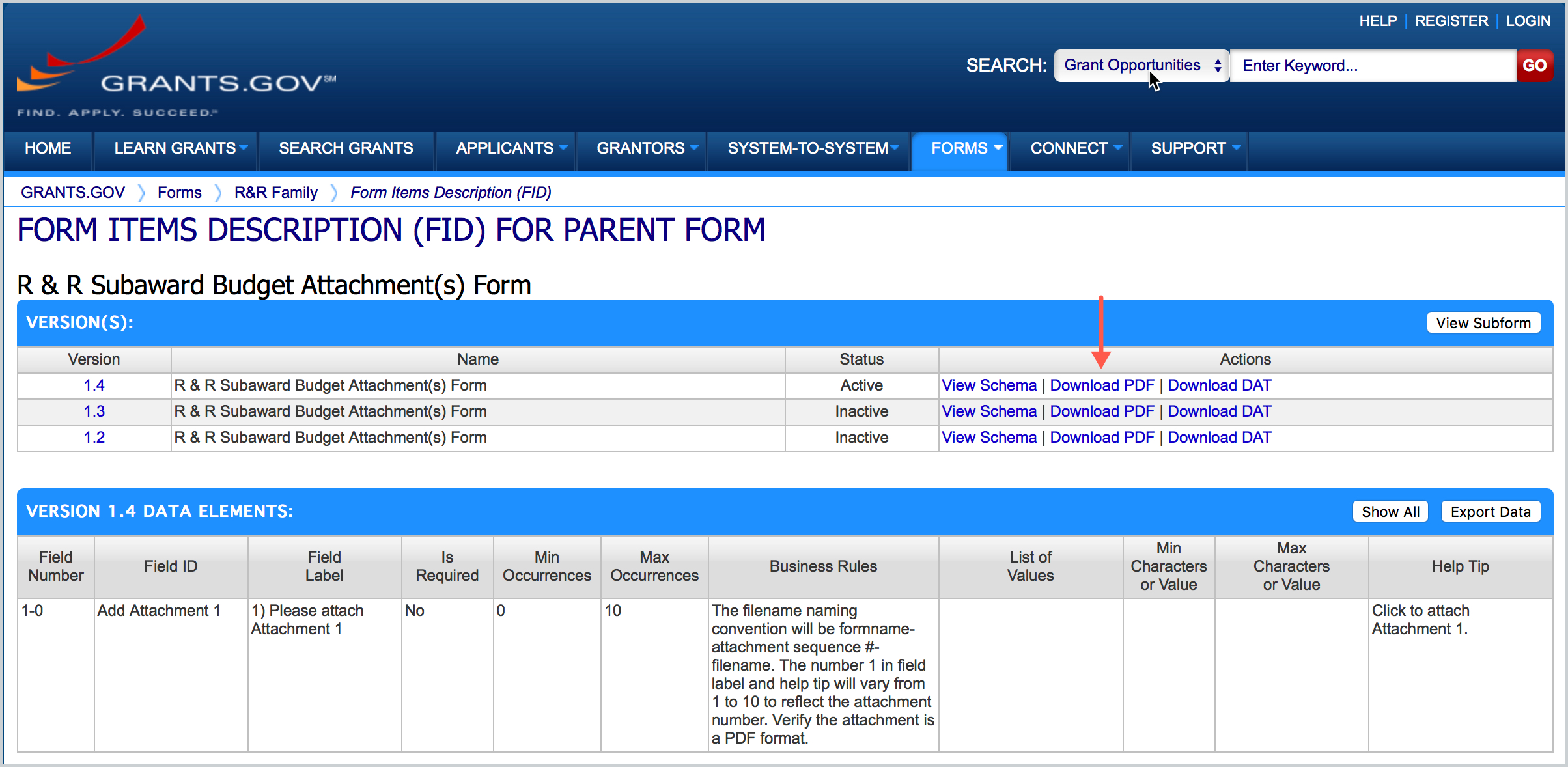
- The form versions will be listed there and you can download the needed version for your opportunity:
Comments
0 comments
Article is closed for comments.