
Overview
Often the COI configuration rely heavily on the Sponsor Hierarchies configured in the Sponsored Programs side of the application to drive disclosure requirements. The Sponsor Groups section in Configuration allows you to view which Sponsors are within each group (aka Sponsor Hierarchy) so you can better track and view the sponsor configuration from the COI module.
The Sponsor Groups section allows you to view Sponsor Hierarchy information only; any changes/updates will still need to done on the Sponsored Programs side in the Sponsor and/or Sponsor Hierarchy maintenance tables.
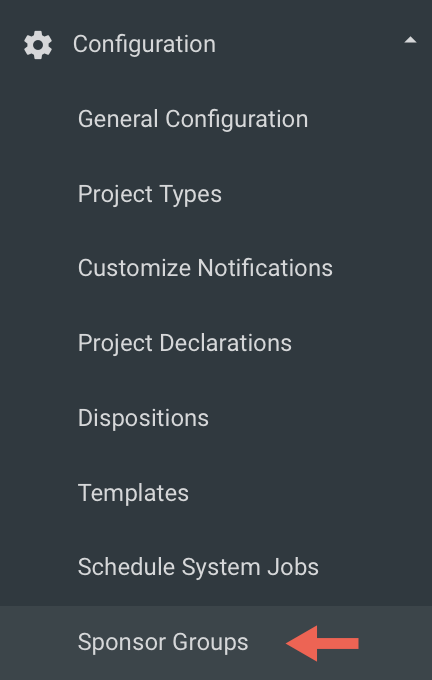
Sponsor Groups
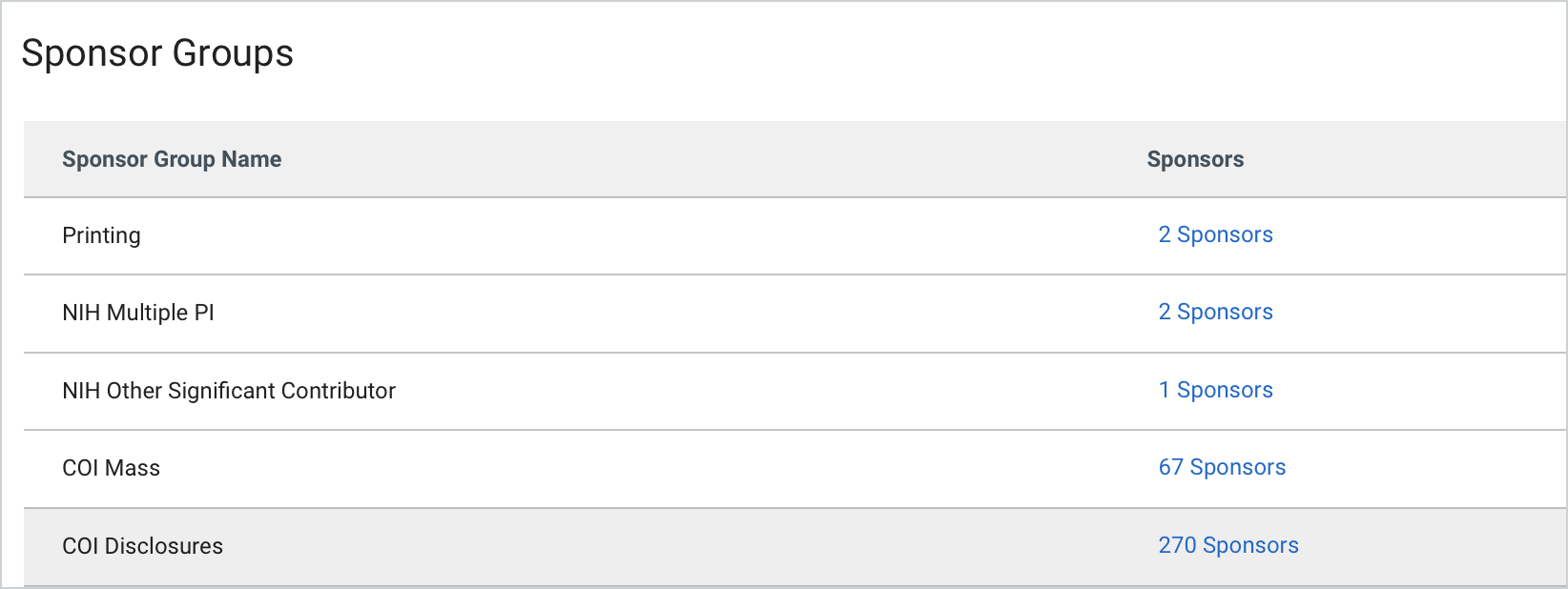
Within the Sponsor Groups you will see all of the Sponsor Groups listed that are pulling from the Sponsored Programs Sponsor Hierarchy table. It will show you the Sponsor Group Name and then how many sponsors are within each hierarchy in the Sponsors column. You can also click on the linked Sponsors to drill down and view sponsors within the Sponsor Group.
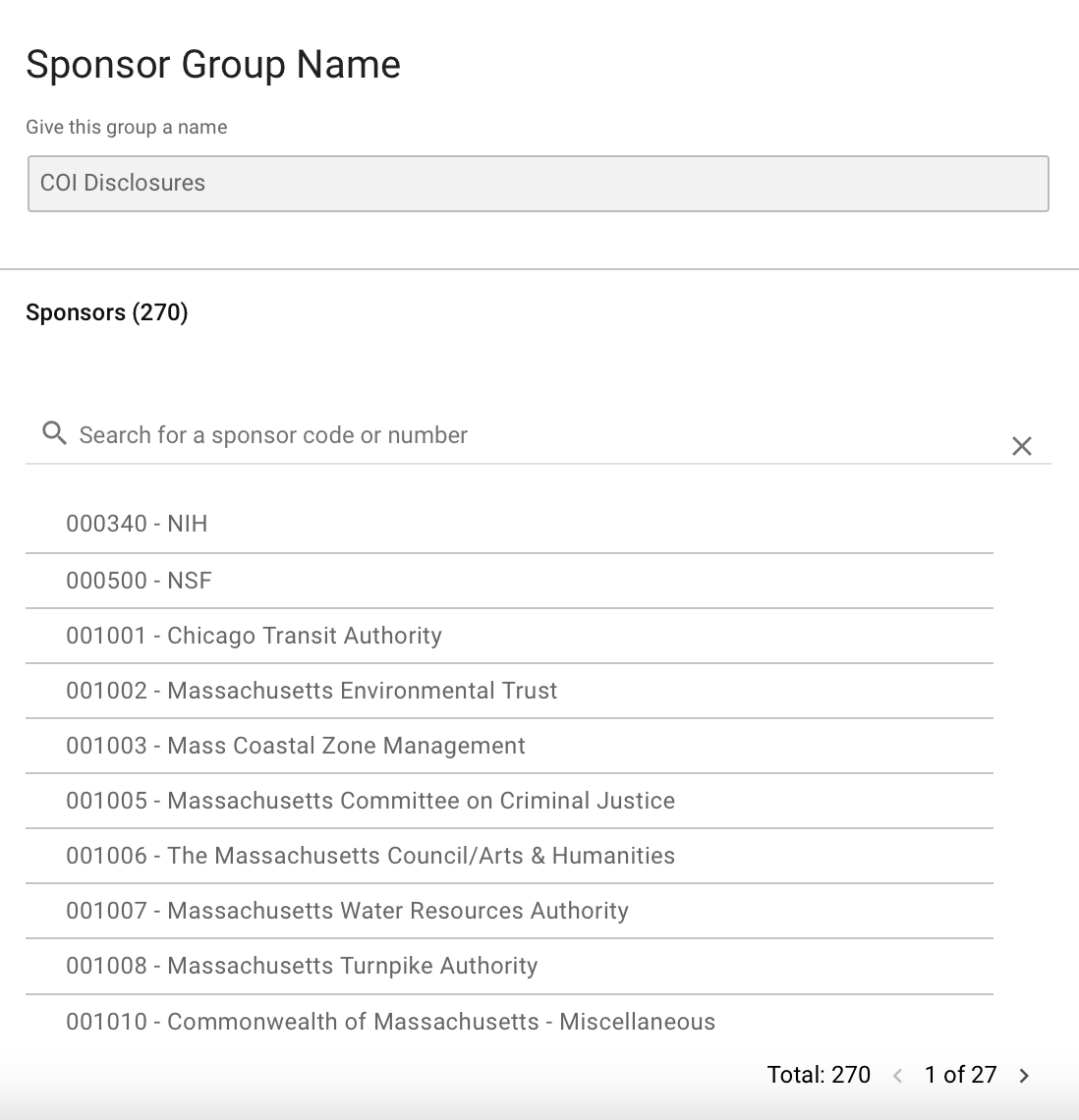
Once you open the Sponsors link from a Group it also has a search bar at the top where you can lookup a sponsor by sponsor code or sponsor number to see if it's within the chosen hierarchy.
Comments
0 comments
Article is closed for comments.