
Summary
The Show_Document_Descriptions_In_Medusa parameter allows you to display the document Description in the Medusa tree view. This will make the medusa view more readable so you have more information on the given entry in the tree.
Be aware, this parameter will only work if the Enable_Improved_Medusa_UI is set to true.
Valid Parameter Value(s)
The Show_Document_Descriptions_In_Medusa Parameter Value default value is null but accepts a semicolon-delimited list of module codes that will display document descriptions in the Medusa tree view, or a wildcard (*) to display document descriptions for all modules. A null value will not trigger this behavior in the Medusa tree for any module.
| Parameter Value | Description |
| <Enter Module Code value(s) separated by semicolon, obtained from the Module Names maintenance table> e.g. 1;2 | The Medusa tree will display document description for the entry row as shown below for the module codes listed. |
| * |
Enter a wildcard (*) if you want this description display behavior in all modules. |
Related Maintenance Table(s)
- N/A
Related Parameter(s)
- Enable_Improved_Medusa_UI (must be set to true)
Example
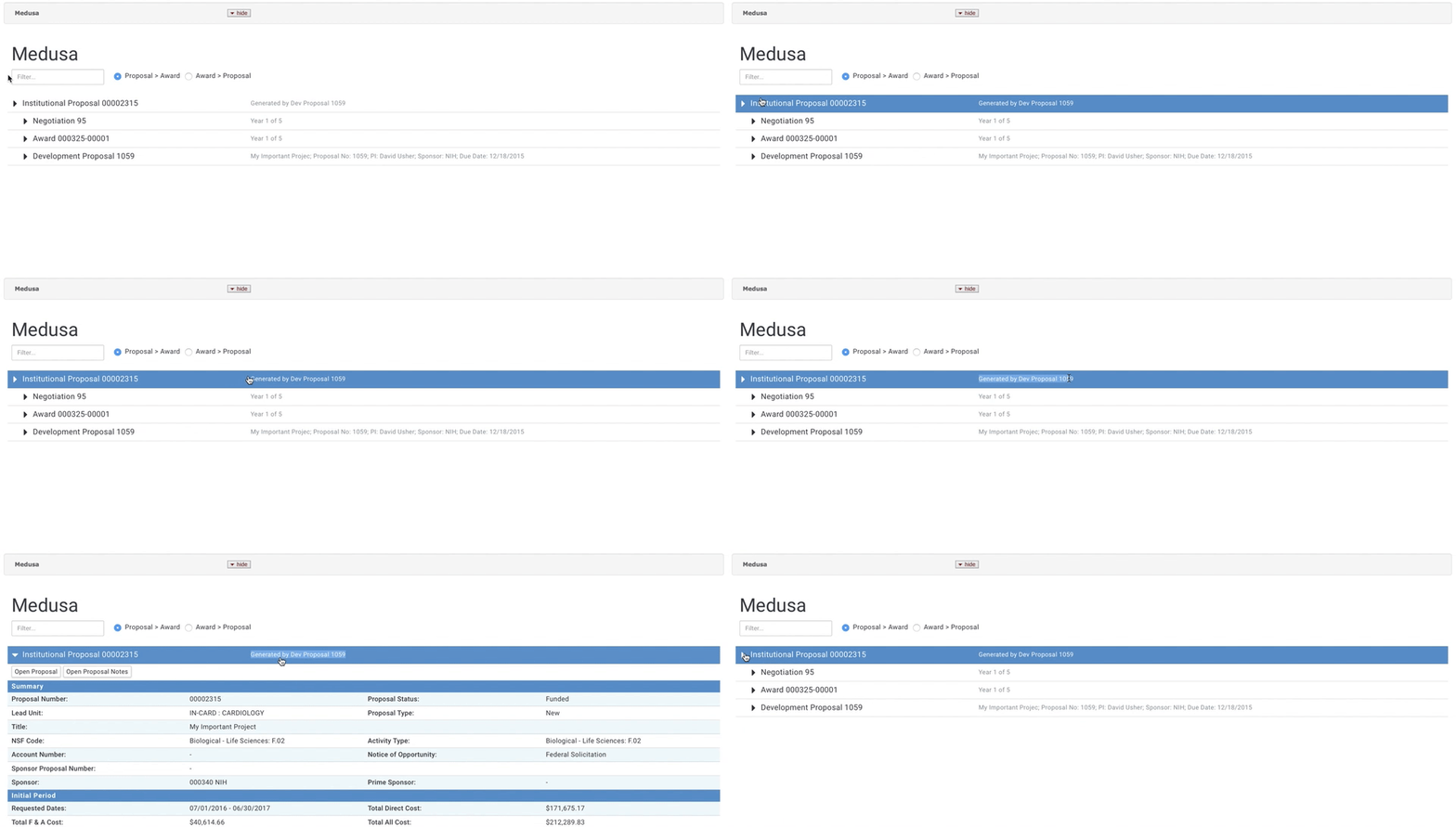
When enabled the Medusa tree via the the Medusa link in Proposal or the Medusa tab/panels in other modules will look like below. It adds the entered Description from the record to the medusa tree entry for additional information/clarity when reviewing.
Comments
0 comments
Article is closed for comments.