
Overview
Users who have the Technical Administrator role can access an Entity Relationship Diagram (ERD) of the Kuali Research data tables for the Sponsored Research modules of Kuali (Proposal Development, Institutional Proposal, Award, Subaward, and Negotiations). It will also give you frontend access to all Kuali Research tables and how they interrelate so you can have a better understanding of the database structure, dependencies, constraints, etc. This feature can be accessed via the All Links on the Dashboard and search for Database Schema Information and select. Be aware, the initial request may take 15-30 minutes for it to process and setup the view and users must have the Open Schema Spy View permission to access the Database Schema Information.
SchemaSpy
Once Database Schema Information is selected it will take you to the SchemaSpy analysis tool that allows you to see all database information within Kuali Research including tabs for Tables, Relationships, Utility Tables, Constraints, Anomalies, and Columns.
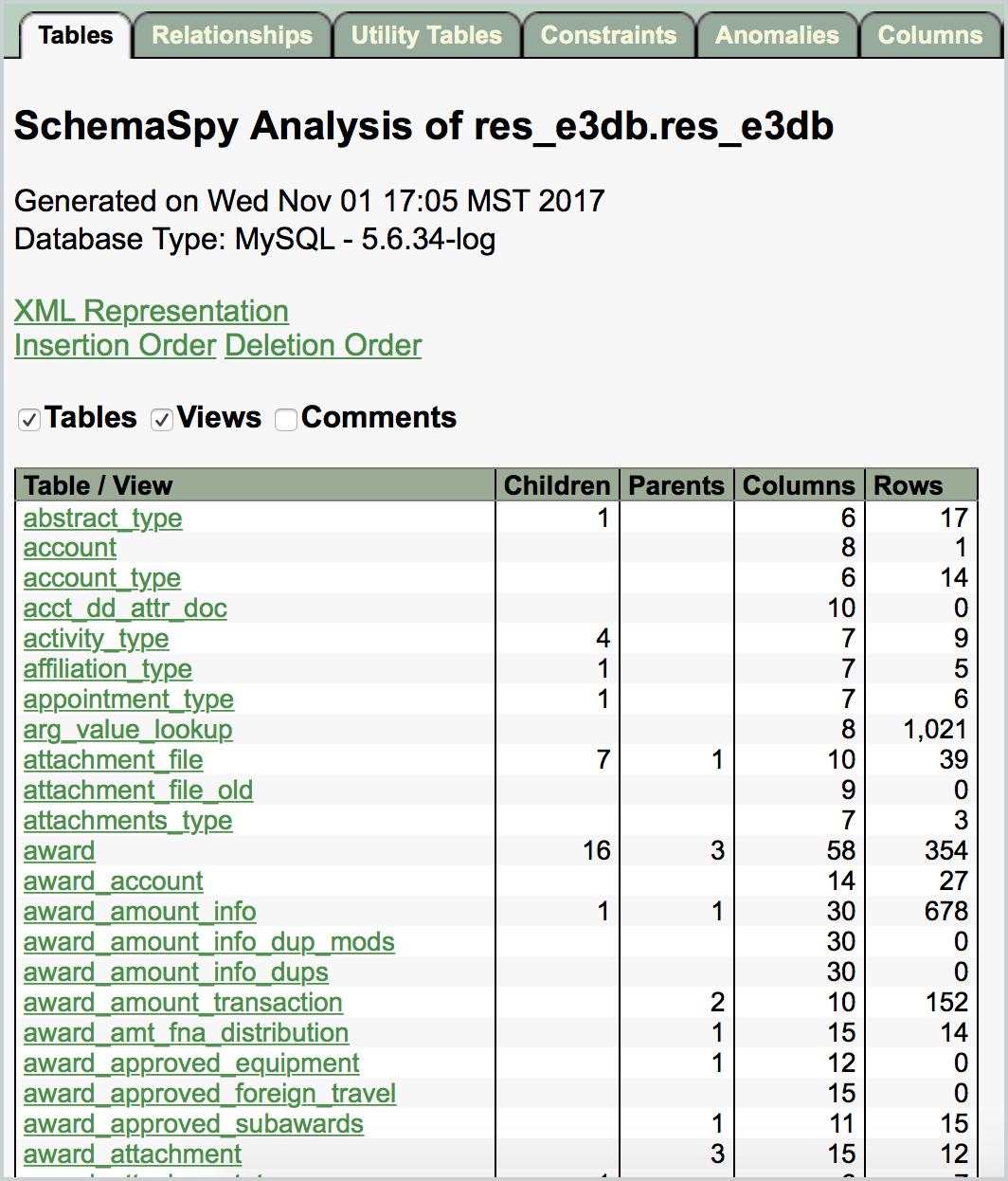
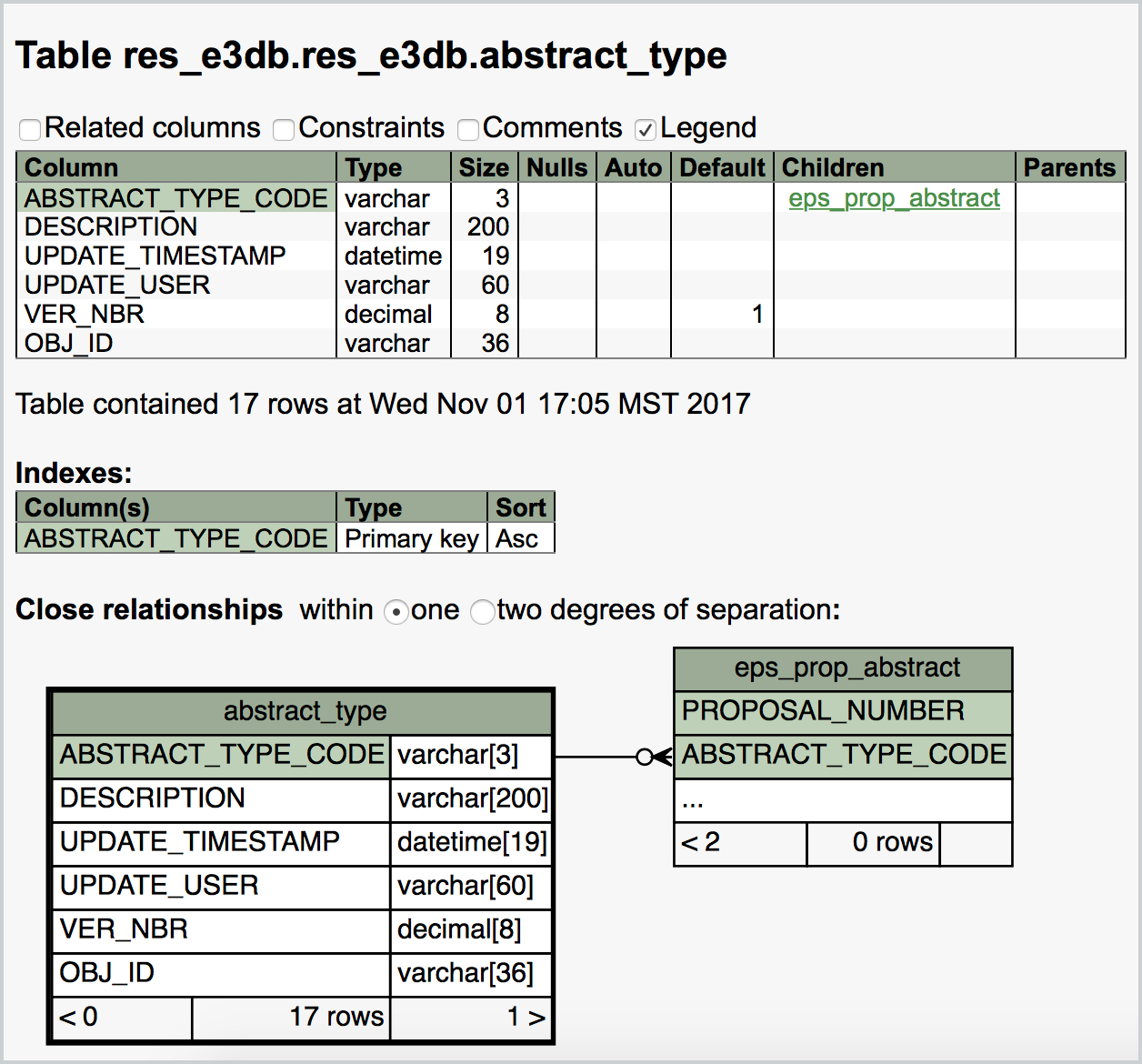
When you click on a given table name within the list it will take you into the specific column information for that associated table. It will also give you other database elements like the field names, constraints, indexes, primary keys, and other information that can be useful for analysis (pictured below is the abstract_type table).
Comments
0 comments
Article is closed for comments.